Desk Height Ergonomics: Solve a Work Surface That Is Too High, Too Low, or Too Thick
Desk Height Ergonomics

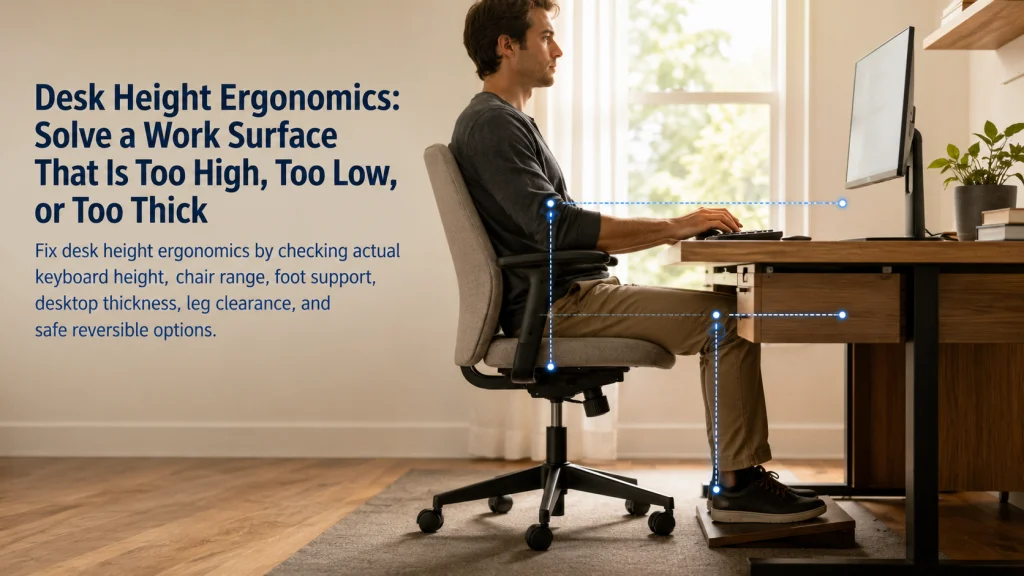
Desk height ergonomics is not solved by matching one published number. A fixed desk can be too high for the hands, too low for the legs, or thick enough that the chair cannot reach a workable position. Start with the actual keyboard and mouse surface, then check shoulder position, forearm support, chair range, foot support,
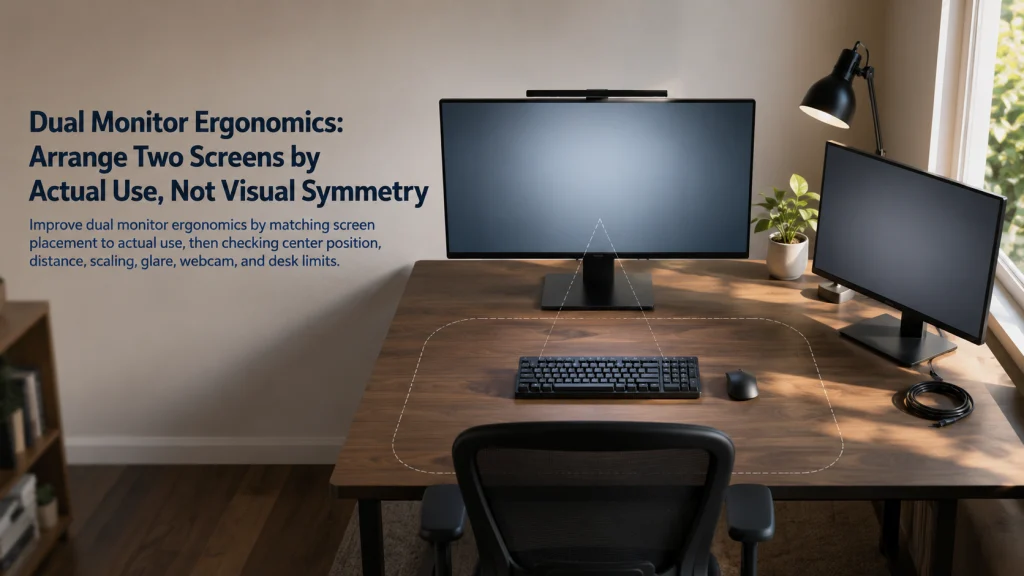
Dual Monitor Ergonomics: Arrange Two Screens by Actual Use, Not Visual Symmetry

Dual Monitor Ergonomics

Dual monitor ergonomics starts with how the screens are actually used, not with making the hardware look perfectly symmetrical. When one display carries most of the work, center that screen and keep the secondary display close enough for brief reference. When work is divided more evenly, center the shared visual field and arrange both screens

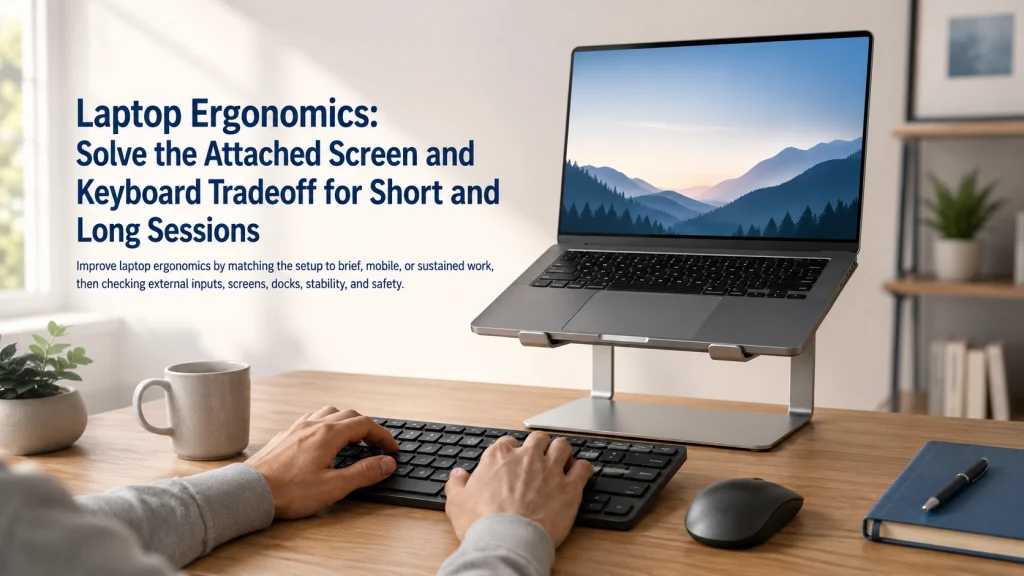
Laptop Ergonomics: Solve the Attached Screen and Keyboard Tradeoff for Short and Long Sessions

Laptop Ergonomics

Laptop ergonomics begins with one design constraint: the screen and keyboard are attached, so improving one position usually makes the other less convenient. Brief work can often use a supported compromise, but sustained typing usually works better when the keyboard and pointing device are separated from the display. Choose between direct use, a raised laptop

Keyboard and Mouse Position: Build One Close Input Zone for Relaxed Shoulders and Usable Wrists

Keyboard And Mouse Position

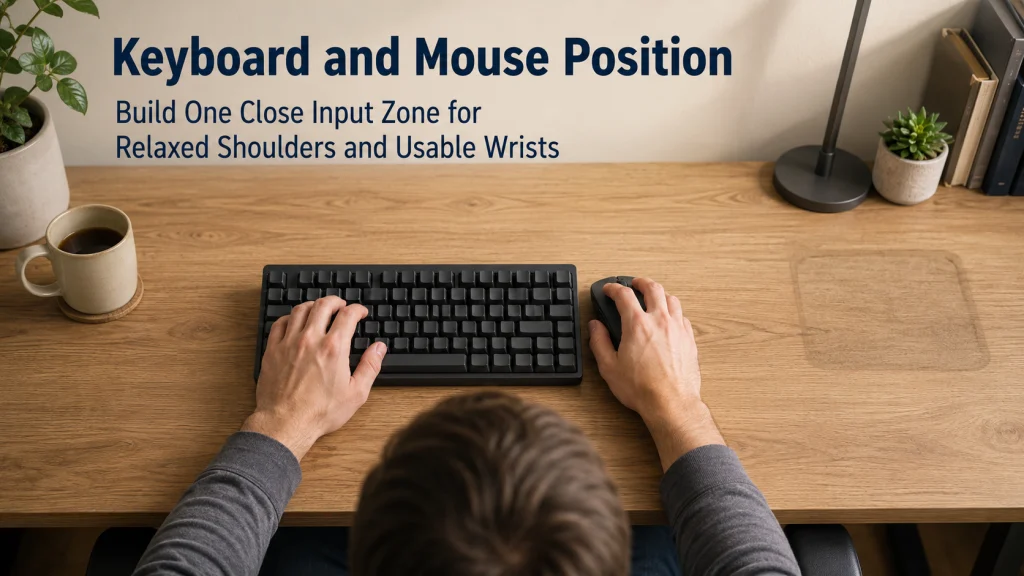
Keyboard and mouse position should be planned as one close input zone, not as two separate device decisions. Start from a supported sitting position with relaxed shoulders and elbows near the body, then place both inputs at a compatible height, distance, and orientation. Keyboard width, numpad use, tray capacity, desk height, and front-edge thickness can

Monitor Height and Distance: Fit the Screen to Your Eyes, Text, Task, and Desk Depth

Monitor Height And Distance

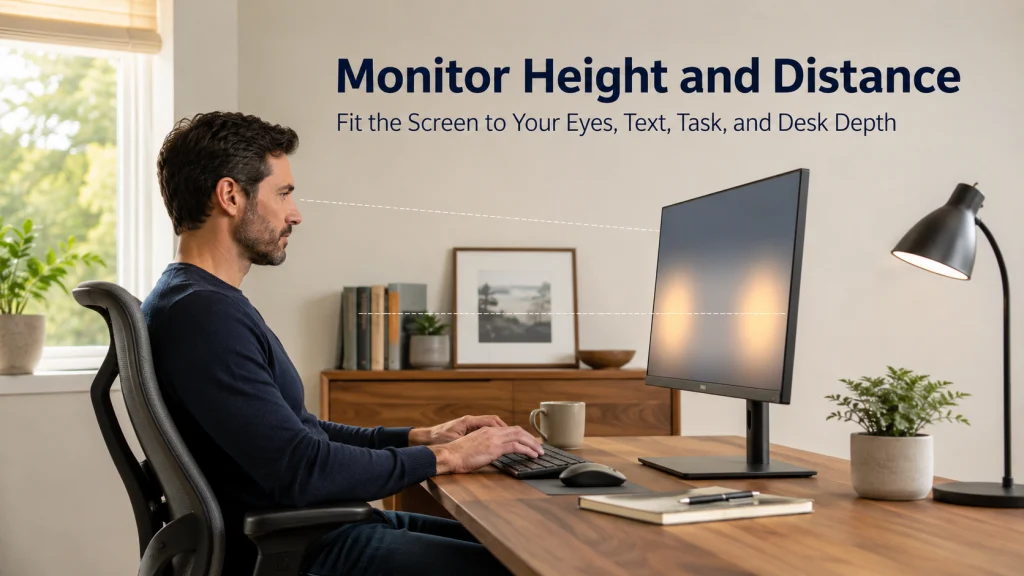
Set monitor height and distance by watching what happens during real work, not by forcing the screen to match one eye-level or arm-length rule. Make text readable first, settle into a supported position, and then adjust distance, height, centering, and tilt one step at a time. A document, a lower-screen timeline, and a video call

Home Office Ergonomics: Set the Workstation in the Right Order Before Buying More Equipment

Home Office Ergonomics Set The Workstation In The Right Order Before Buying More Equipment

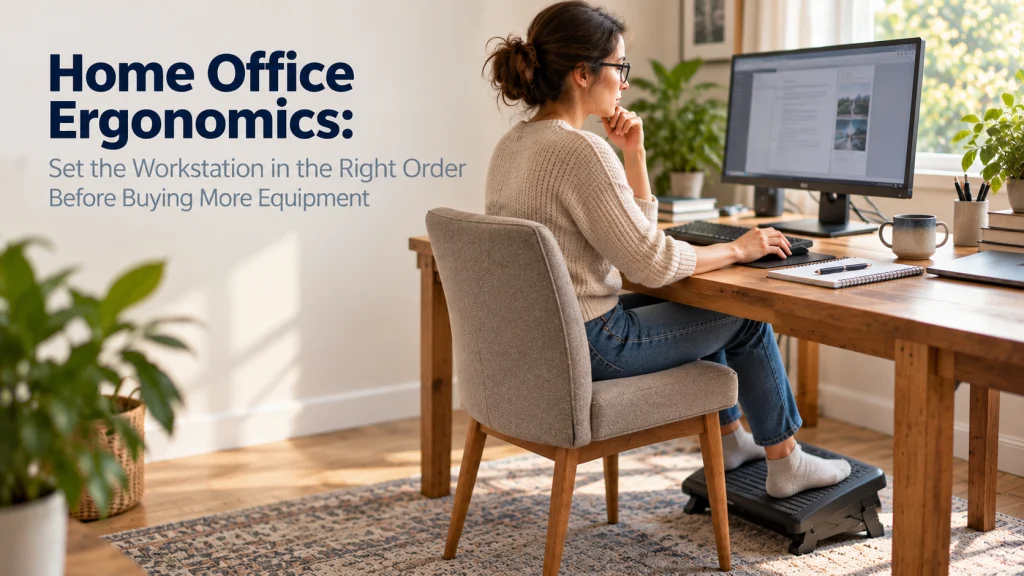
Home office ergonomics works best as an adjustment sequence, not a shopping list. Start with the main computer task, then identify which component is forcing the body to compensate. Set chair and foot support in relation to the work surface, place the keyboard and pointing device within easy reach, position the screen for the main