How Long Should You Sit at a Desk: Track Unbroken Bouts, Task Demands, and Opportunities to Change Position
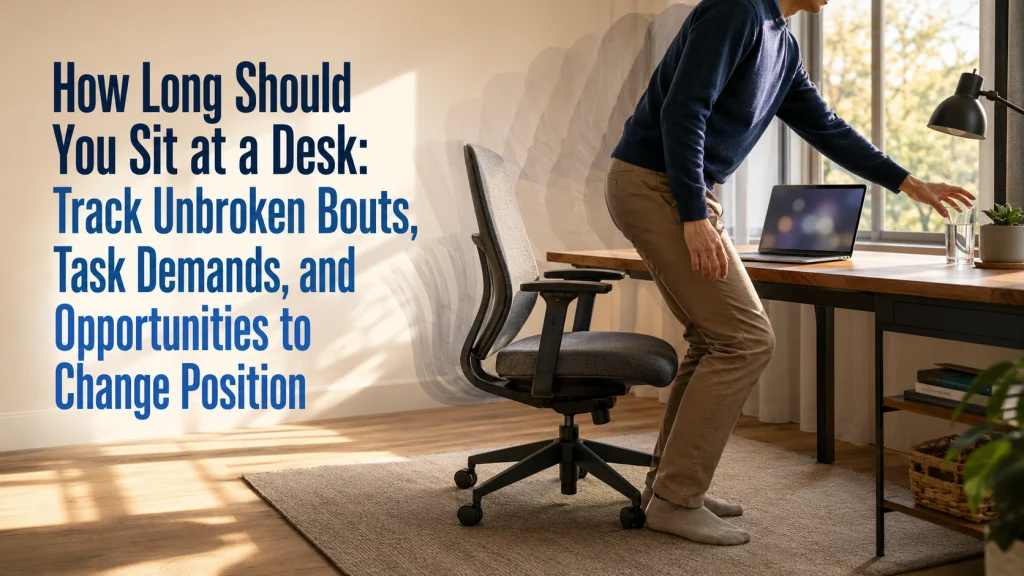
How Long Should You Sit At A Desk

There is no single desk-sitting limit that is safe or medically optimal for every adult. The more useful starting point is to separate total sitting from the longest uninterrupted bouts and identify where the workday repeatedly removes opportunities to change position. Track meetings, focused work, meals, commuting, and leisure sitting as separate contexts, then shorten
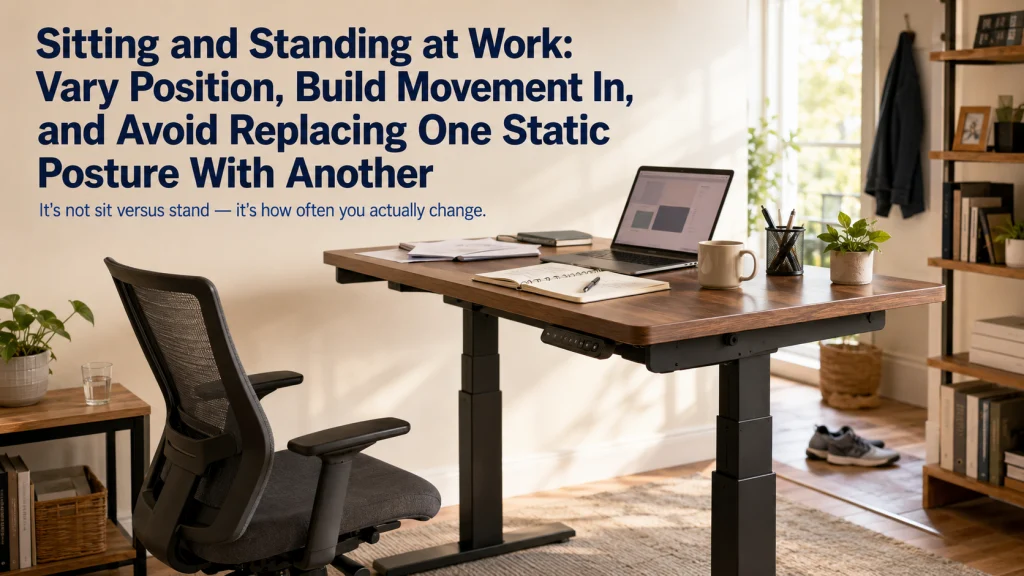
Sitting and Standing at Work: Vary Position, Build Movement In, and Avoid Replacing One Static Posture With Another

Sitting And Standing At Work

Sitting and standing at work should be treated as positions to vary, not teams to choose between. A standing desk can change posture, but it does not automatically add walking, task variety, or structured exercise. Build the day around shorter unbroken exposures, practical position changes, and movement that fits the work being done. The next

Computer Screen Glare: Trace the Light, Reflection, Screen, and Viewing Position Before Buying a Filter

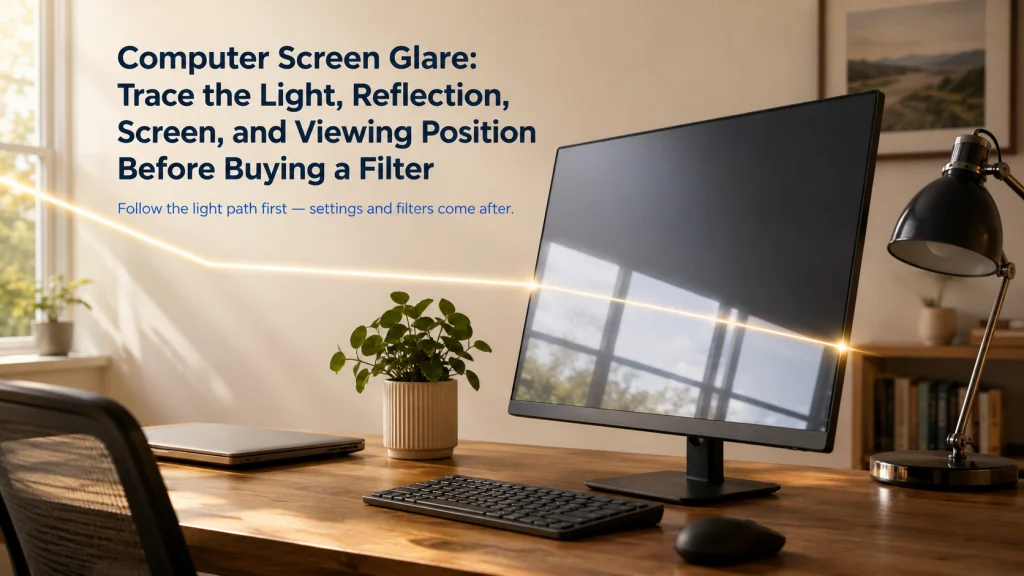
Computer Screen Glare

Computer screen glare is easiest to solve when you trace the light instead of immediately raising brightness or buying a filter. Identify the source, the surface that reflects it, the screen angle, and the viewer position at the moment the glare appears. Change the light geometry first, then clean the screen, reduce nearby reflections, and

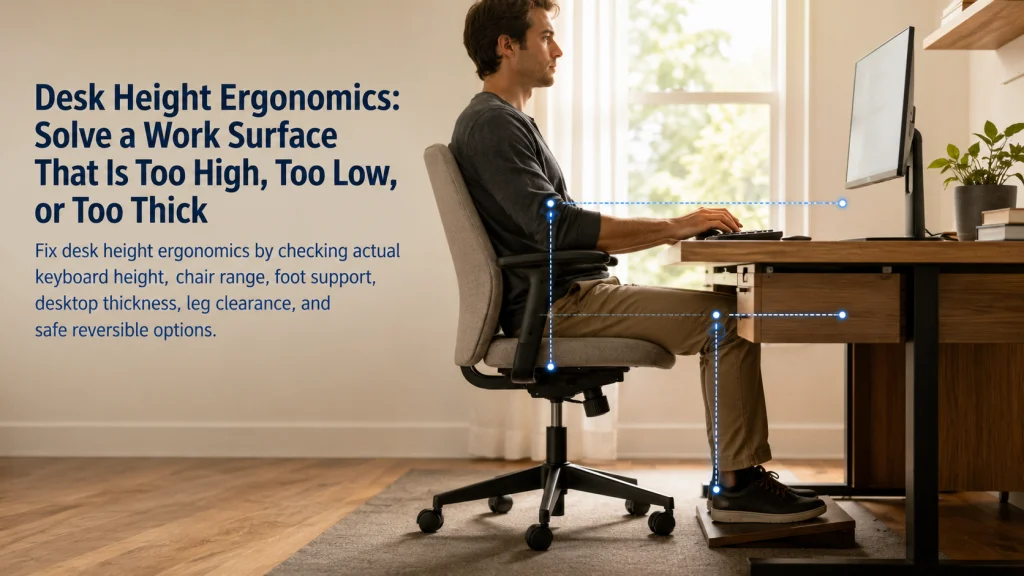
Desk Height Ergonomics: Solve a Work Surface That Is Too High, Too Low, or Too Thick

Desk Height Ergonomics

Desk height ergonomics is not solved by matching one published number. A fixed desk can be too high for the hands, too low for the legs, or thick enough that the chair cannot reach a workable position. Start with the actual keyboard and mouse surface, then check shoulder position, forearm support, chair range, foot support,

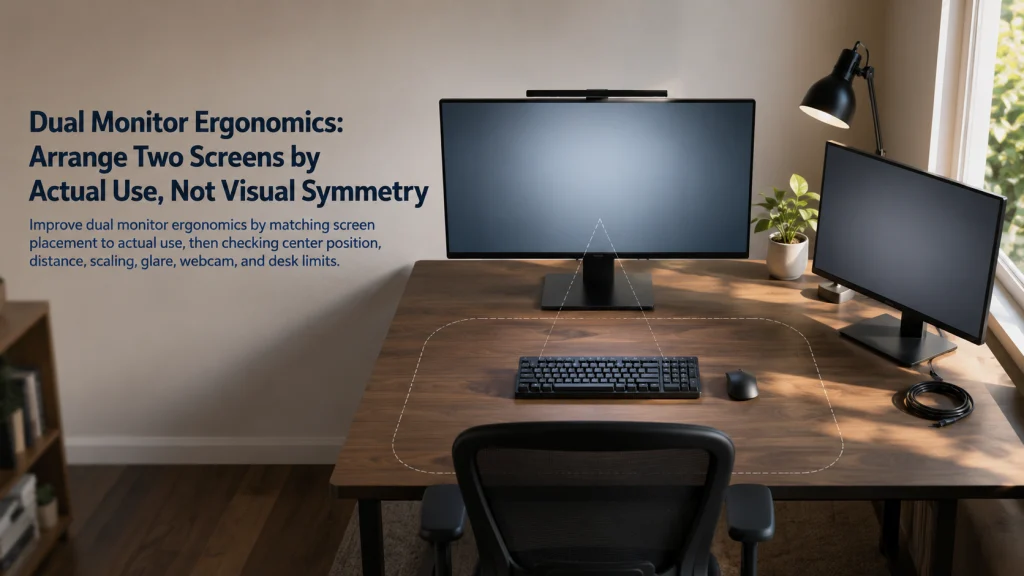
Dual Monitor Ergonomics: Arrange Two Screens by Actual Use, Not Visual Symmetry

Dual Monitor Ergonomics

Dual monitor ergonomics starts with how the screens are actually used, not with making the hardware look perfectly symmetrical. When one display carries most of the work, center that screen and keep the secondary display close enough for brief reference. When work is divided more evenly, center the shared visual field and arrange both screens

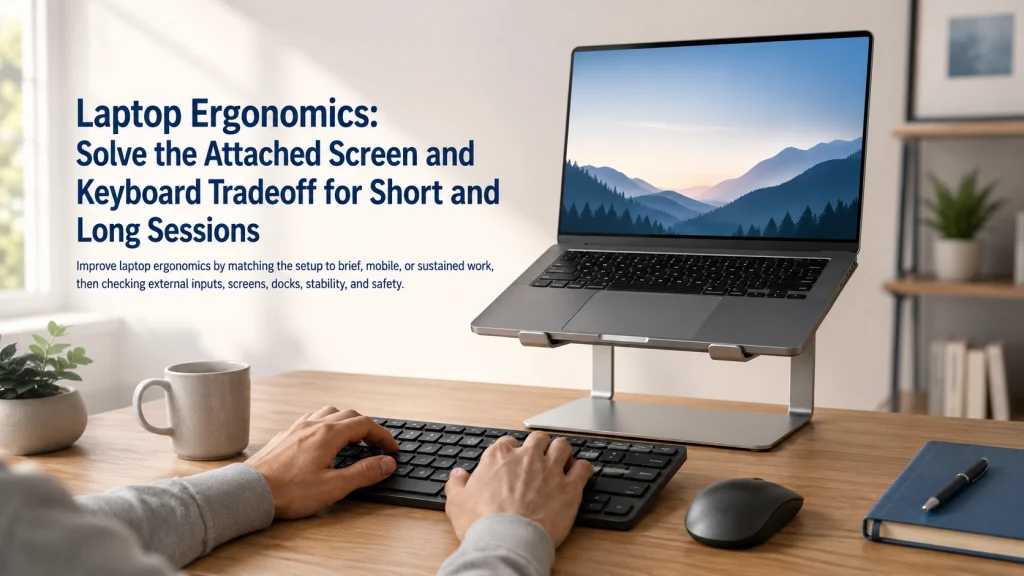
Laptop Ergonomics: Solve the Attached Screen and Keyboard Tradeoff for Short and Long Sessions

Laptop Ergonomics

Laptop ergonomics begins with one design constraint: the screen and keyboard are attached, so improving one position usually makes the other less convenient. Brief work can often use a supported compromise, but sustained typing usually works better when the keyboard and pointing device are separated from the display. Choose between direct use, a raised laptop

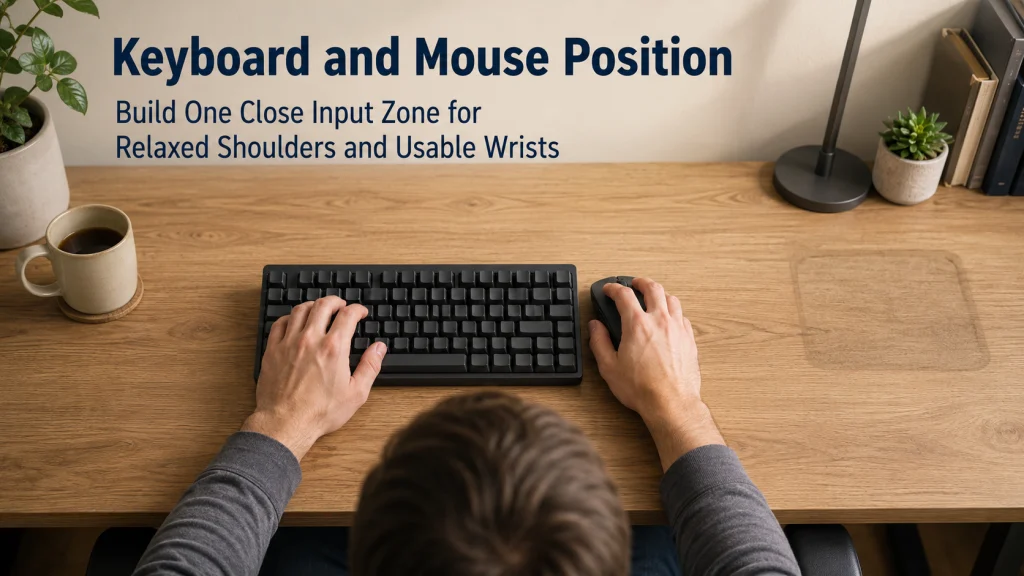
Keyboard and Mouse Position: Build One Close Input Zone for Relaxed Shoulders and Usable Wrists

Keyboard And Mouse Position

Keyboard and mouse position should be planned as one close input zone, not as two separate device decisions. Start from a supported sitting position with relaxed shoulders and elbows near the body, then place both inputs at a compatible height, distance, and orientation. Keyboard width, numpad use, tray capacity, desk height, and front-edge thickness can

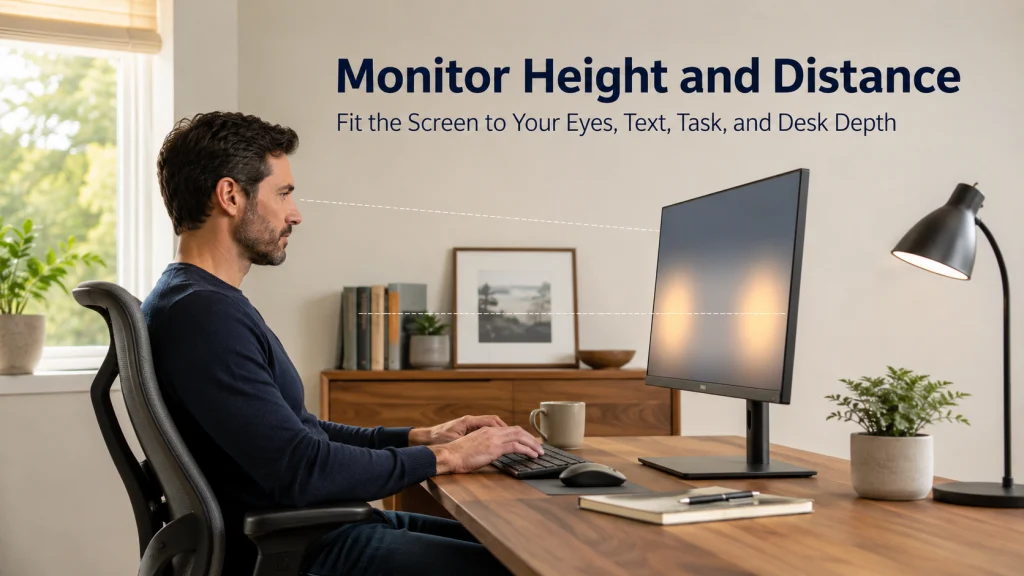
Monitor Height and Distance: Fit the Screen to Your Eyes, Text, Task, and Desk Depth

Monitor Height And Distance

Set monitor height and distance by watching what happens during real work, not by forcing the screen to match one eye-level or arm-length rule. Make text readable first, settle into a supported position, and then adjust distance, height, centering, and tilt one step at a time. A document, a lower-screen timeline, and a video call

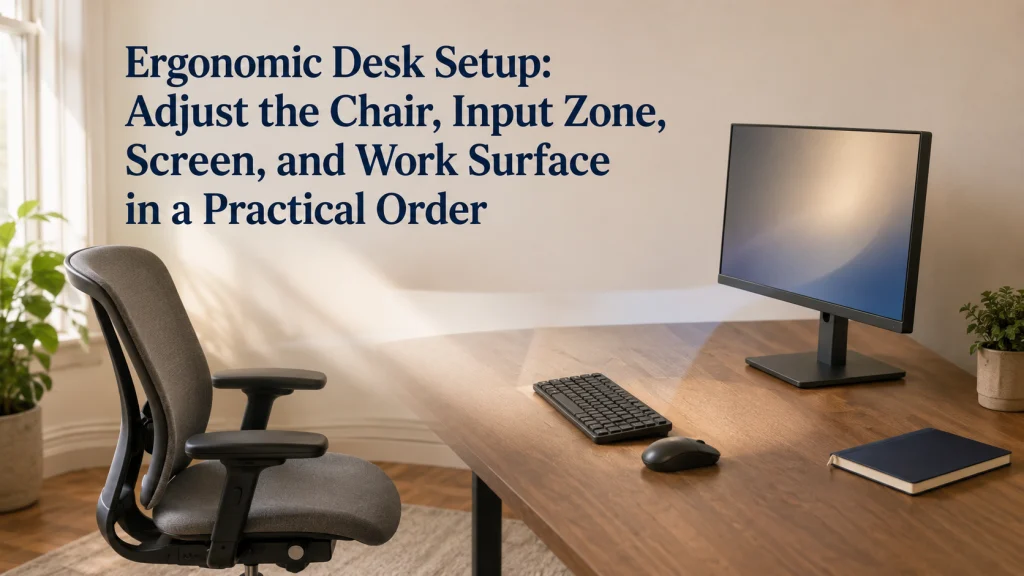
Ergonomic Desk Setup: Adjust the Chair, Input Zone, Screen, and Work Surface in a Practical Order

Ergonomic Desk Setup

An ergonomic desk setup is easier to keep when the adjustments happen in a dependable order. Start with the work that must happen, clear enough space to sit close, and establish stable chair and foot support before placing the keyboard, mouse, and screen. Then add documents, calls, and secondary devices according to how often they

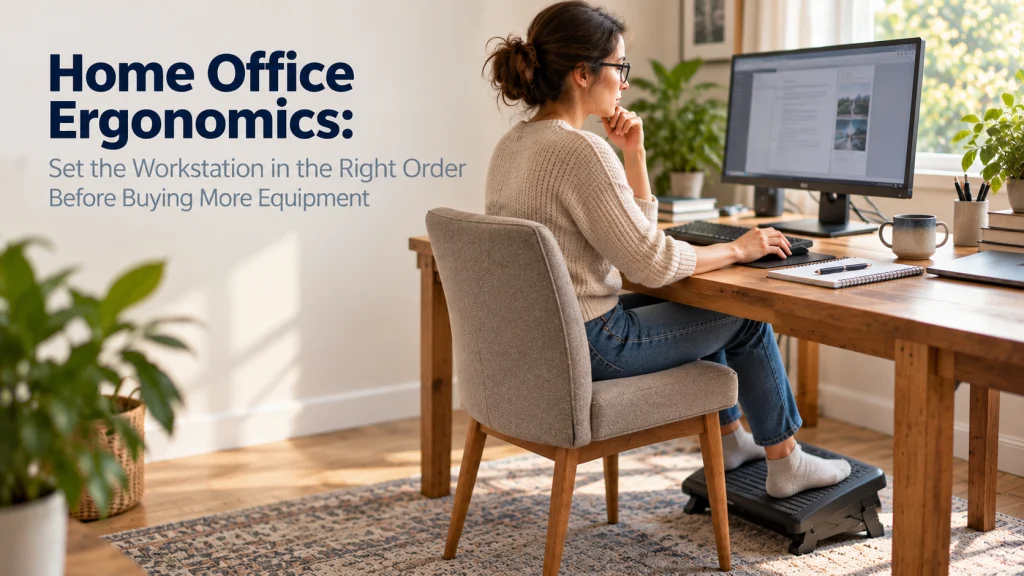
Home Office Ergonomics: Set the Workstation in the Right Order Before Buying More Equipment

Home Office Ergonomics Set The Workstation In The Right Order Before Buying More Equipment

Home office ergonomics works best as an adjustment sequence, not a shopping list. Start with the main computer task, then identify which component is forcing the body to compensate. Set chair and foot support in relation to the work surface, place the keyboard and pointing device within easy reach, position the screen for the main

Posture Myths: What Alignment Can Help With and What It Cannot Prove

Posture Myths

Posture claims become easier to evaluate when the promised outcome and evidence type are separated. A position may affect comfort, workload, reach, or short-term symptoms during a task without proving the cause of a medical condition or predicting long-term damage. One photograph cannot establish causation, standing is not automatically better than sitting, and a chair,

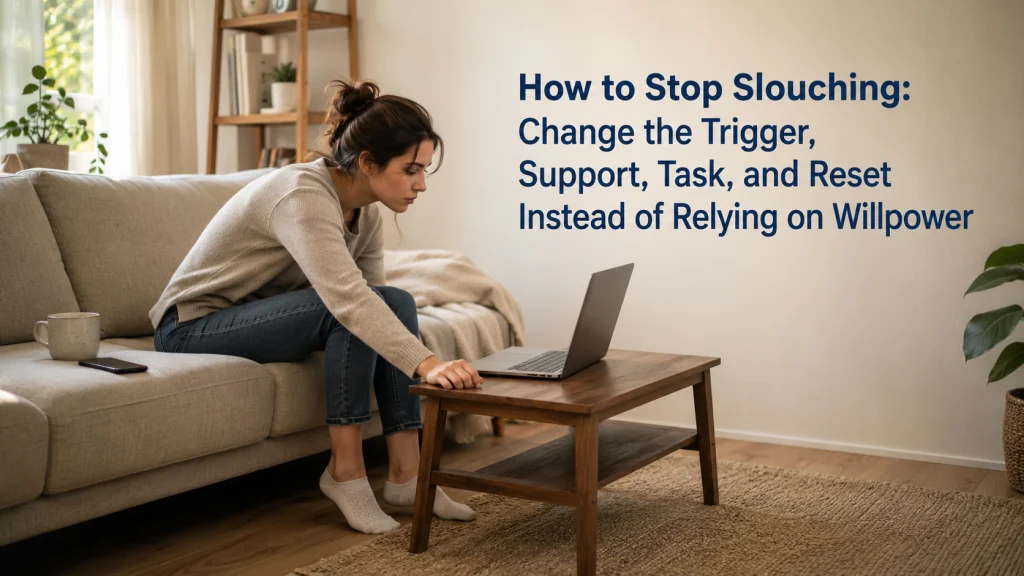
How to Stop Slouching: Change the Trigger, Support, Task, and Reset Instead of Relying on Willpower

How To Stop Slouching

Slouching often returns because the task still rewards the same position. Instead of relying on willpower, record when the pattern appears, what you are looking at or reaching for, which body areas lack support, and how fatigue changes the task. Make one trigger easier, use a short low-force reset, vary positions rather than holding one